@@ download · v1.19.0 @@
Get Udaan on your machine.
Free, open-source, local-first. Every application, tailored on your own hardware.
macOS
Apple Silicon (M1/M2/M3/M4)
macOS
Intel
Windows
64-bit
Linux
AppImage, 64-bit
Looking for an older version or checksums? See all releases on GitHub.
first launch
@@ one-time warning @@
The OS will flag it. That's expected.
Udaan is open-source and self-signed rather than signed by a paid publisher, so macOS says "cannot be verified" and Windows shows SmartScreen, once, on the very first launch.
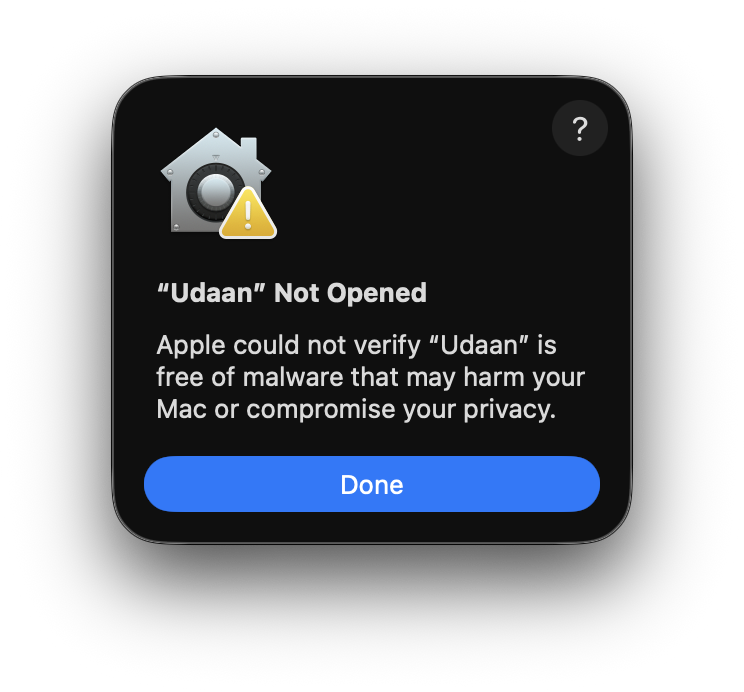
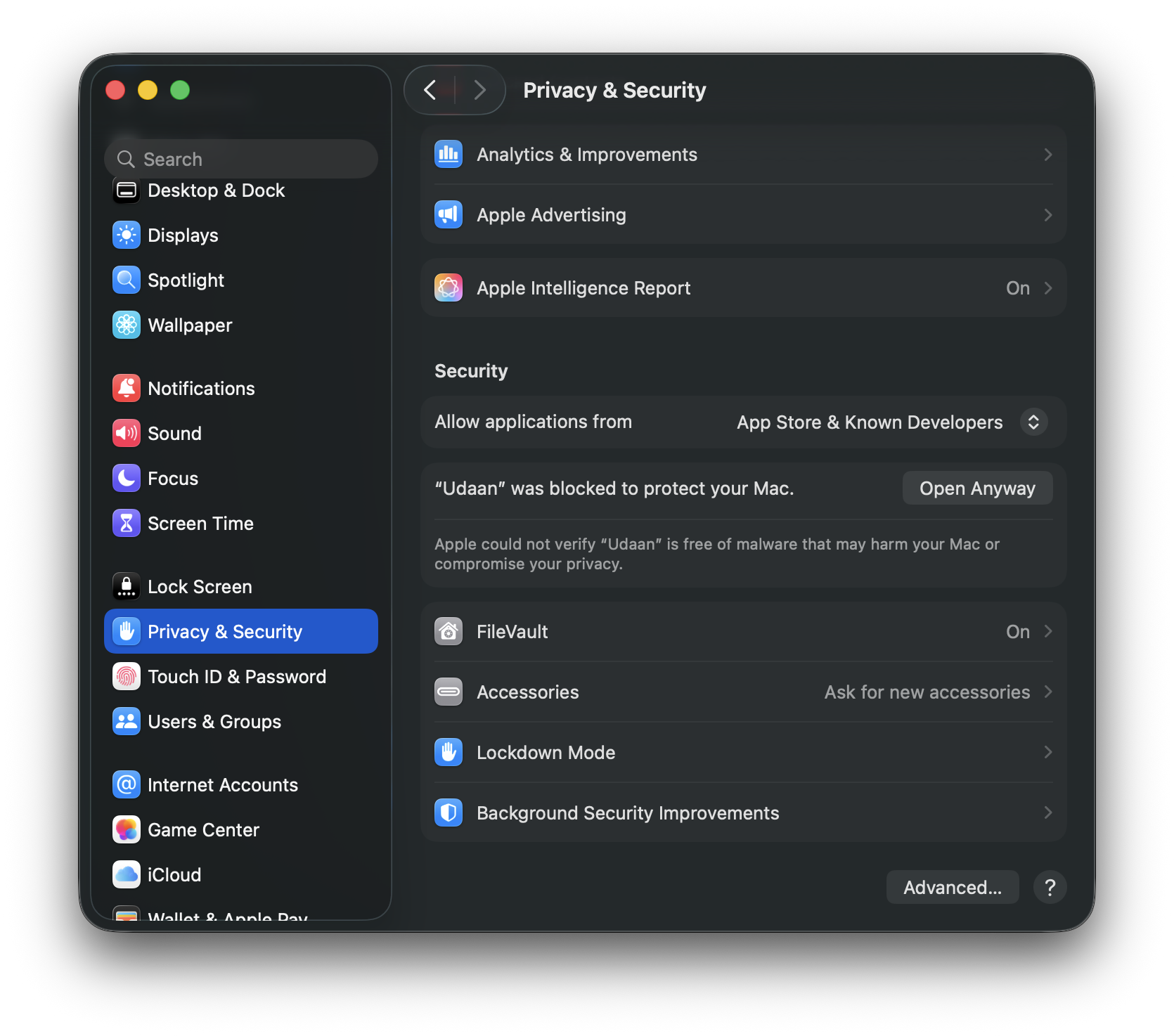
Open Privacy & Security SettingsmacOS only. Right-click the app → Open also works
On Windows: click More info → Run anyway. More info